Simplify Copilot Review 2026: Autofill Is Free. Your Data Isn't.
If you are a mid-to-senior tech professional drowning in tailoring cover letters and repeating the same three employment-history fields across Workday, Greenhouse, and iCIMS portals, Simplify Copilot looks like a gift. A Chrome extension that autofills job applications in one click, scores your resume against a posting, and tracks every submission. All free. The Simplify Copilot review 2026 angle worth examining is not the feature list. It is the trade-off: a browser extension that reads and stores answers on over 100 ATS portals in exchange for convenience, and the business model that funds the party.
How we researched: This review is based on official documentation, pricing pages, and community reports — we did not run the extension or submit any applications.
Simplify Copilot review 2026: what the extension actually does
Simplify Copilot is a Chrome and desktop extension that autofills job application questions in one click from a stored profile, per Simplify’s Copilot page. It also scores your resume against a specific posting, drafts answers to fit questions, and logs every submission to a dashboard tracker.
The vendor says it works on “over 100 job boards and application portals including Workday, Greenhouse, iCIMS, Taleo, Avature, Lever, and SmartRecruiters”, and integrates with LinkedIn and Indeed to analyse job descriptions and surface keywords missing from your resume. For context, Simplify’s About page states the platform has facilitated 200M+ job applications and was founded by Stanford and Berkeley dropouts Michael Yan, Rushil Srivastava, and Ethan Horoschak.
In practical terms, the extension does four things: form filling, resume scoring, answer generation, and application logging. Whether those four things add up to a meaningful search upgrade depends on your seniority, volume, and how much personal data you are comfortable storing inside a browser extension that form-reads third-party portals.
What the free tier covers — and what it does not
The free tier covers the application mechanics: autofill, application tracking, job matching, and a basic resume builder, with no application limit, and the vendor commits to keeping all four free. What it excludes is automation — Autopilot, the real auto-apply feature, is Simplify+ only and still in beta.
The free tier is not a trial. Simplify’s homepage states: “Simplify is free for job seekers — matches, autofill, and the tracker included. We make money from Simplify+ subscriptions and from employers who hire through us.” The Copilot page reinforces that: “Our autofill, application tracker, job matches, and basic resume builder are features we commit to keeping free for everyone.” The extension works for full-time roles and internships, and there is no application limit. “There is no limit on how many applications you can submit with Copilot!” the vendor’s FAQ states.
What the free tier does not include is critical. Real auto-apply, where the system applies on your behalf, is called Autopilot and lives behind the paywall. Simplify’s help centre describes it as: “Let Autopilot apply to jobs for you. Choose Autopilot on a job, tailor each application, and follow every submission in the Autopilot tab. In beta for Simplify+ members.” So the “Auto Apply” control visible on Simplify’s homepage product mock-up is not a free feature. It is a paid, still-in-beta product. The free tier also excludes the “advanced AI tools included with Simplify+ for tailoring applications, networking, outreach, and job targeting” per the help centre’s Simplify+ support section, as well as one-on-one Simplify Career Services (resume reviews and salary negotiation guidance with experienced recruiters).
Simplify+ and Autopilot: the paid ladder, and a price we could not verify
Simplify+ is the paid tier, and its price is the one number this review cannot confirm from a primary source: the plus page serves a client-rendered shell with no price string, and there is no standalone public pricing page. Autopilot, the genuine auto-apply feature, sits behind it.
Third-party reviews quote weekly and monthly figures, but those are aggregator-sourced numbers we could not confirm against Simplify’s own pages, and Simplify’s plus page serves no price at all. We will not present them as fact.
What the vendor does confirm is the revenue model and the cross-device membership: “You can subscribe to Simplify+ on the web or in the Simplify iOS app. Your membership works everywhere you use Simplify no matter where you bought it.” The vendor also claims a “4.9/5” rating, says the platform is “trusted by 2M+ job seekers”, and makes several productivity claims including “90% of your job search automated with one profile” and “3× higher interview rate with applications tailored by Simplify.” These are vendor claims, not independently verified statistics, and should be weighed accordingly.
This is a common pattern in freemium job tools: the free tier builds the habit and the profile, the paid tier automates the action.
The data question: what a form-reading extension keeps on file
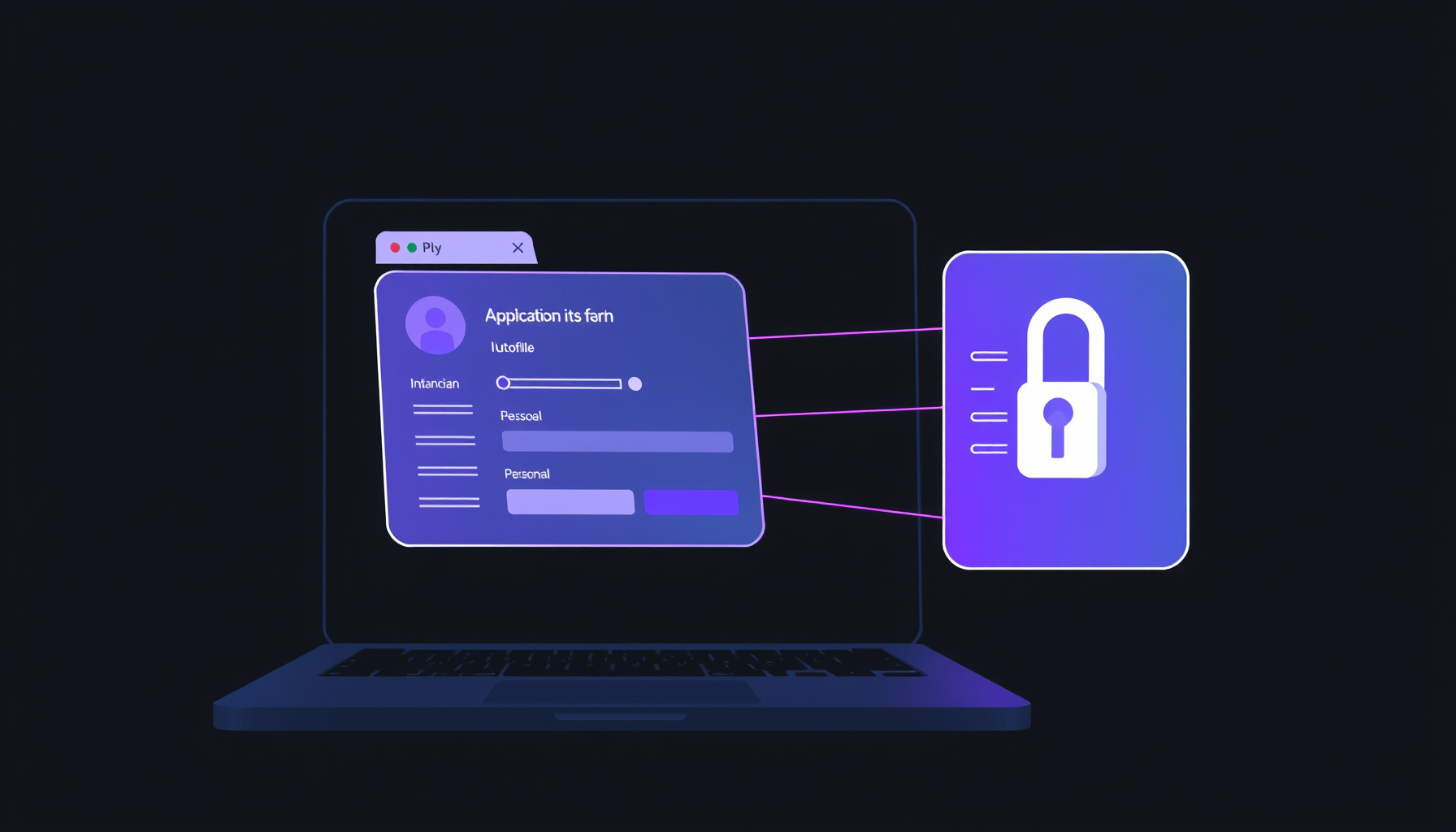
Simplify’s extension form-reads more than 100 ATS portals, and its privacy policy says the service stores identity data plus work-authorization and visa-sponsorship status, security-clearance status, and saved answers for background-check acknowledgments and accommodation requests. The vendor states it does not sell personal data to third-party advertisers.
This is the section that matters most for mid-to-senior candidates, especially those with security clearances, visa sponsorship needs, or accommodation requests. The policy, last updated 19 August 2026, says the platform collects identity and contact info (name, email, phone, date of birth, location) and profile and job application info. That second category is broad: resume/CV, education and employment history, skills, interests, links to professional profiles, salary preferences, work-authorization and visa-sponsorship status, security-clearance status, and saved answers for application questions “which can include information such as background-check acknowledgments or accommodation requests.” The vendor commits: “We don’t sell your personal data to third-party advertisers.” That is a meaningful statement. But the data still lives on Simplify’s servers, and the extension has form-level read access across more than 100 ATS portals.
Simplify also operates an employer-facing product called Talent Scout, with an option to hide your profile from employers. This means the same database your autofill populates can also be queried by recruiters. The option to opt out exists, but you have to know to look for it. The vendor states it declines employer requests to remove salary and community data and flags such employers with a “Candidate Advisory” badge, per Simplify’s About page, which is a pro-candidate stance. Still, every piece of data the extension helps you store becomes a larger digital surface. For a candidate with a security clearance or an unresolved visa situation, storing that detail inside a third-party extension warrants a cost-benefit calculation that goes beyond saved time.
Simplify vs Teal vs Huntr vs LoopCV
The best tool depends on whether you want application volume or application management. LoopCV is the only one of the four advertising free auto-apply outright, Huntr is the most generous on free autofill volume, and Teal prices in short commitment windows. All prices below were pulled from each vendor’s own pricing page on 23 September 2026.
| Platform | Free tier (vendor-verified) | Paid tier (vendor-verified) | Auto-apply | Data note |
|---|---|---|---|---|
| Simplify Copilot | Autofill, resume scoring, tracker, job matches, basic resume builder, unlimited applications | Simplify+ (price unverified from primary source on 2026-09-23) | Autopilot is paid-only, still in beta | Collects visa status, clearance status, accommodation requests; offers employer-side Talent Scout with opt-out |
| Teal | Free Forever tier with core features | Teal+: $13/7 days, $29/30 days, $79/90 days (per Teal’s pricing page) | Not advertised as free on pricing page | Resume and profile data stored; review Teal’s own privacy policy |
| Huntr | Unlimited application autofills, tracking up to 100 jobs | Pro: $40/month, or $90/3 months, or $160/6 months (per Huntr’s pricing page) | Not advertised as free-tier feature | Application data stored; review Huntr’s own privacy policy |
| LoopCV | AI Auto-Apply promoted as “Free Forever” | Paid upgrade from €9.99/month (per LoopCV’s pricing page) | Free-tier auto-apply advertised | Sends applications on your behalf; review LoopCV’s own privacy policy |
The pricing snapshot above was fetched from each vendor’s own pages on 2026-09-23. Huntr’s free plan is the most explicitly generous for autofill volume (unlimited autofills, 100-job tracking cap). LoopCV is the only one that advertises free auto-apply outright. Teal and Simplify both gate deeper automation behind paid tiers, though Simplify’s paid price remains unconfirmed from a primary source.
If auto-apply matters to you and you will not pay, LoopCV is the outlier with a genuinely free automation tier. If you want resume tailoring with transparent short-term pricing, Teal’s day-rate model is the cheapest low-commitment option. Simplify wins on autofill coverage across ATS portals, but its paid tier is the only one whose price we could not verify from the vendor.
When Simplify helps a senior tech search, and when it hurts
Simplify helps when your bottleneck is repetitive form-filling across many ATS platforms, or early in a search when you want every application logged automatically without discipline. It hurts when volume substitutes for targeting, because at mid-to-senior level ten well-researched applications usually beat a hundred autofilled ones.
The resume score against a specific job description is a legitimately useful pre-submission check, and the keyword-surface feature helps applicants who are not yet tailoring at the sentence level. Vendor claims like “90% of your job search automated with one profile,” “5+ hours saved on job applications each week,” and “3× higher interview rate with applications tailored by Simplify” should be read as marketing, not evidence, even where the rating (“4.9/5, trusted by 2M+ job seekers”) looks precise.
The real risk is that high volume replaces deliberation. The differentiator at your level is the interview conversation, not the submitted form, and the autofill removes the friction that used to force you to choose deliberately. Nothing in the tool forces that choice for you. Use it to apply faster to roles you have already decided are right, not to apply to everything that loads. A generic-seeming autofilled submission to a company you would not have applied to otherwise is noise in someone else’s pipeline and a wasted data point in yours. And decide consciously which saved answers, clearance status, and accommodation details live in the profile versus being entered manually per application.
FAQ
Is Simplify Copilot really free, or is there a catch?
The core features, including autofill, application tracking, job matching, resume scoring, and a basic resume builder, are free with no application limit, per Simplify’s Copilot page. The catch is that auto-apply (Autopilot) and advanced AI tailoring tools are locked behind the paid Simplify+ tier. The free product also serves as a data-collection surface: the extension stores detailed personal and professional information on Simplify’s servers, and Simplify operates an employer-facing recruiting product.
What data does Simplify store, and can I control it?
Simplify’s privacy policy lists identity info, resume/CV, education and employment history, salary preferences, work-authorization and visa-sponsorship status, security-clearance status, and saved answers to application questions including accommodation requests. You can hide your profile from employer queries via Talent Scout, and the vendor states it does not sell personal data to third-party advertisers. For full control details, review Simplify’s privacy policy directly.
How does Simplify compare to Teal and Huntr for mid-senior tech job seekers?
Teal offers a free tier with Teal+ at $13 per 7 days or $29 per 30 days per Teal’s pricing page. Huntr offers unlimited free autofills with tracking up to 100 jobs, with a Pro plan at $40 per month per Huntr’s pricing page. Simplify’s free tier is broader in scope than Huntr’s free tracking cap, but Simplify’s paid price could not be verified from a primary source on 2026-09-23. For a senior tech candidate, the better comparison is not price alone but whether you need volume automation or depth in a smaller set of target companies.
Sources and scope. This post draws on five Simplify pages (Copilot page, homepage, help centre, privacy policy, and About page) and three competitor pricing pages, all fetched on 2026-09-23. As stated at the top, this review is based on official documentation, pricing pages, and community reports — we did not run the extension or submit any applications. Pricing and feature details change; verify against primary sources before purchasing.
← Back to all posts